
Ostendo Continuum upgrades are released by the developers over the internet, and if you are the first person to login for the day you may see this message.
These updates do not need to be applied before you can continue and you can close this screen and continue on your current version.
You will need Administrator permissions on your computer to install these, and no one else should be logged into Ostendo while upgrades are installed.
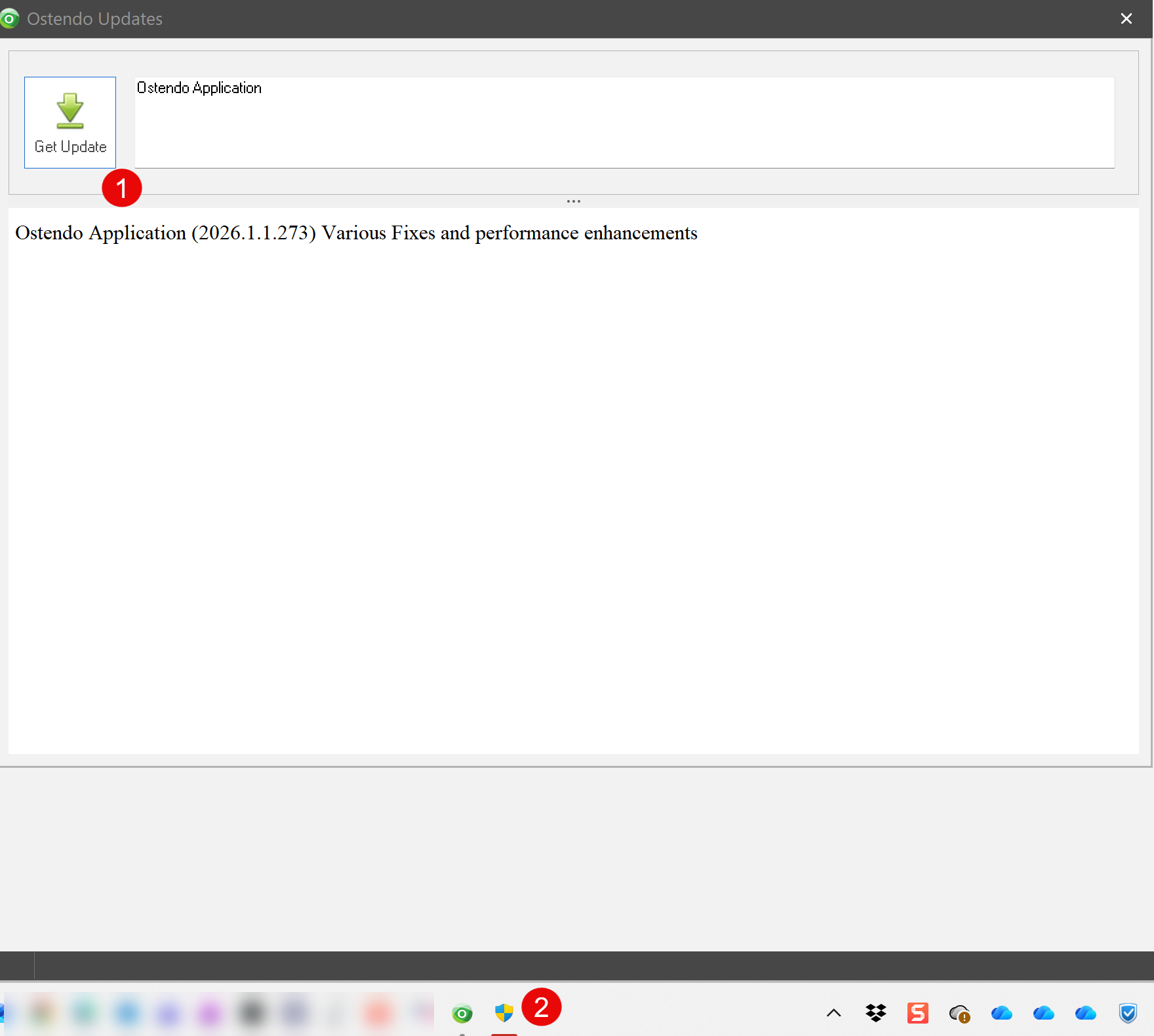
- Click on the download button
- Allow this to run as an Administrator
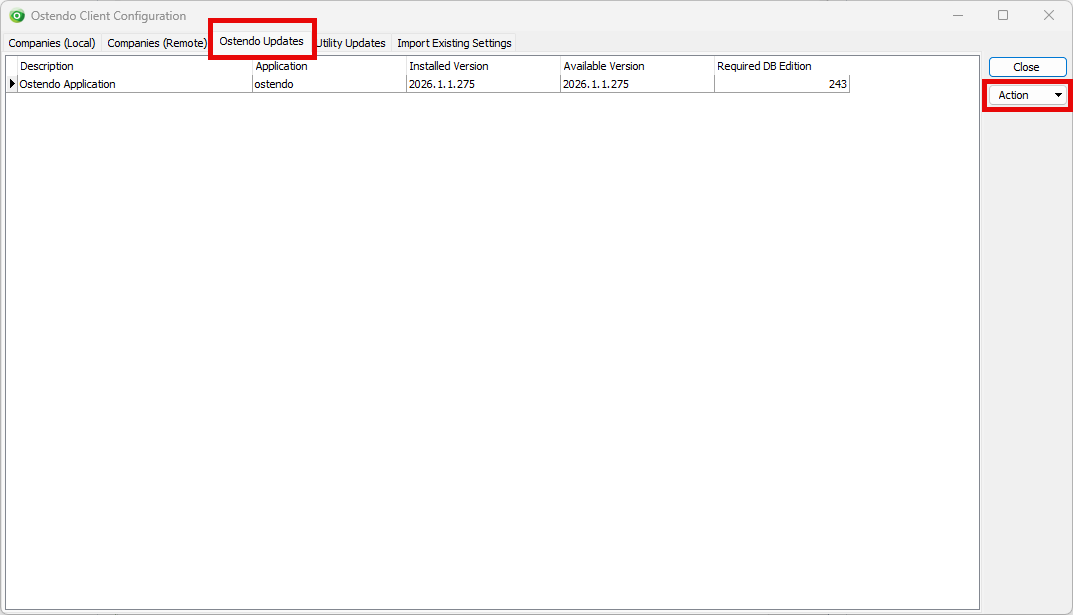
This will bring up the Ostendo Client Configuration screen on the 'Ostendo Updates' tab. The Installed version will appear in red Click on the Action button and select 'Download and Update'.
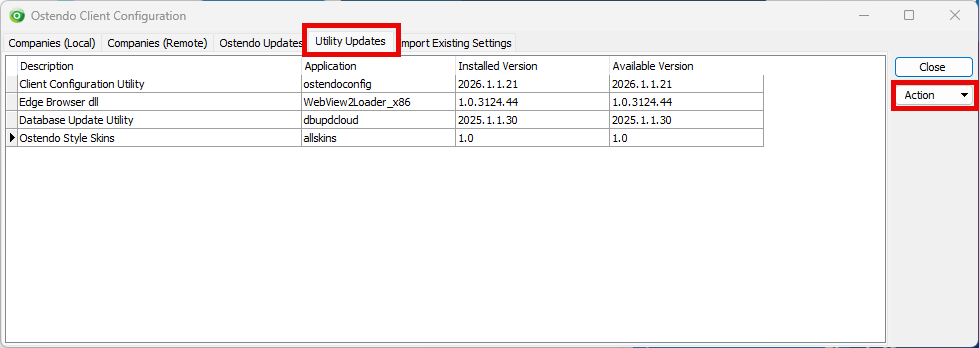
Click on the Utility Updates tab and do the same for any items needing an update. You will need to highlight each line where the Installed version is red and run the update for each one separately.
Once these are completed you will need to open Ostendo again.